













Immersive quests
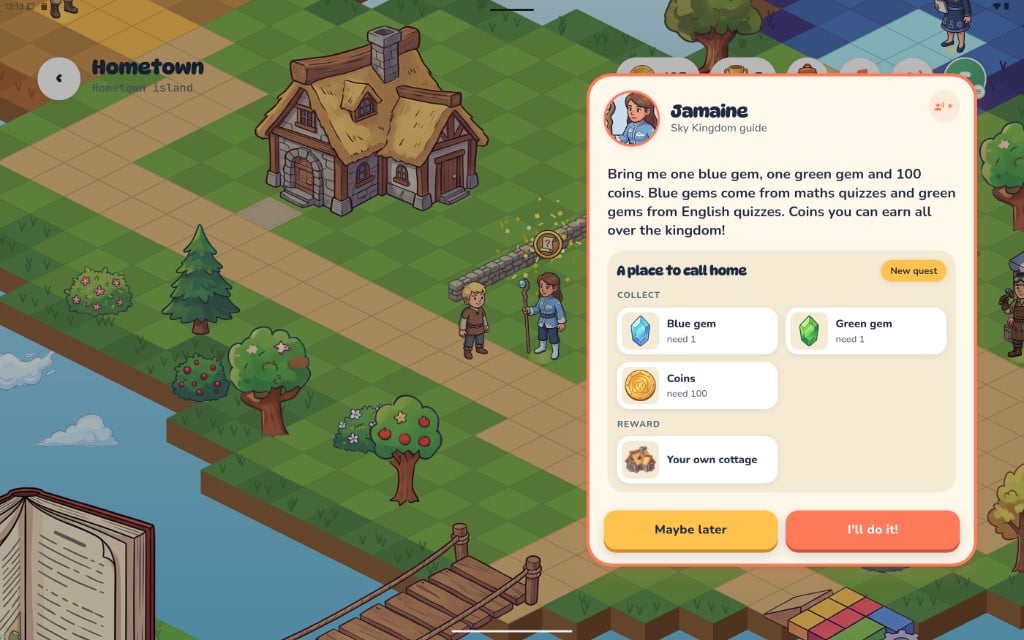
Meet guides like Jamaine, take on story goals, and collect gems and coins from real curriculum wins — the village reacts when your child shows up to play.
Finally know what your child is learning at school — not just “stuff”. Spry Learning links you to your child’s teacher through one profile. Every topic in the school year is an island to be conquered, and every win and wobble rolls up into dashboards for parents and teachers alike. At home it opens into a whole new world of trophies and mini-games — all earned by real learning.
7-day free trial on yearly · $9/mo or $90/yr for up to 6 kids · teachers free
One kingdom · six learning areas
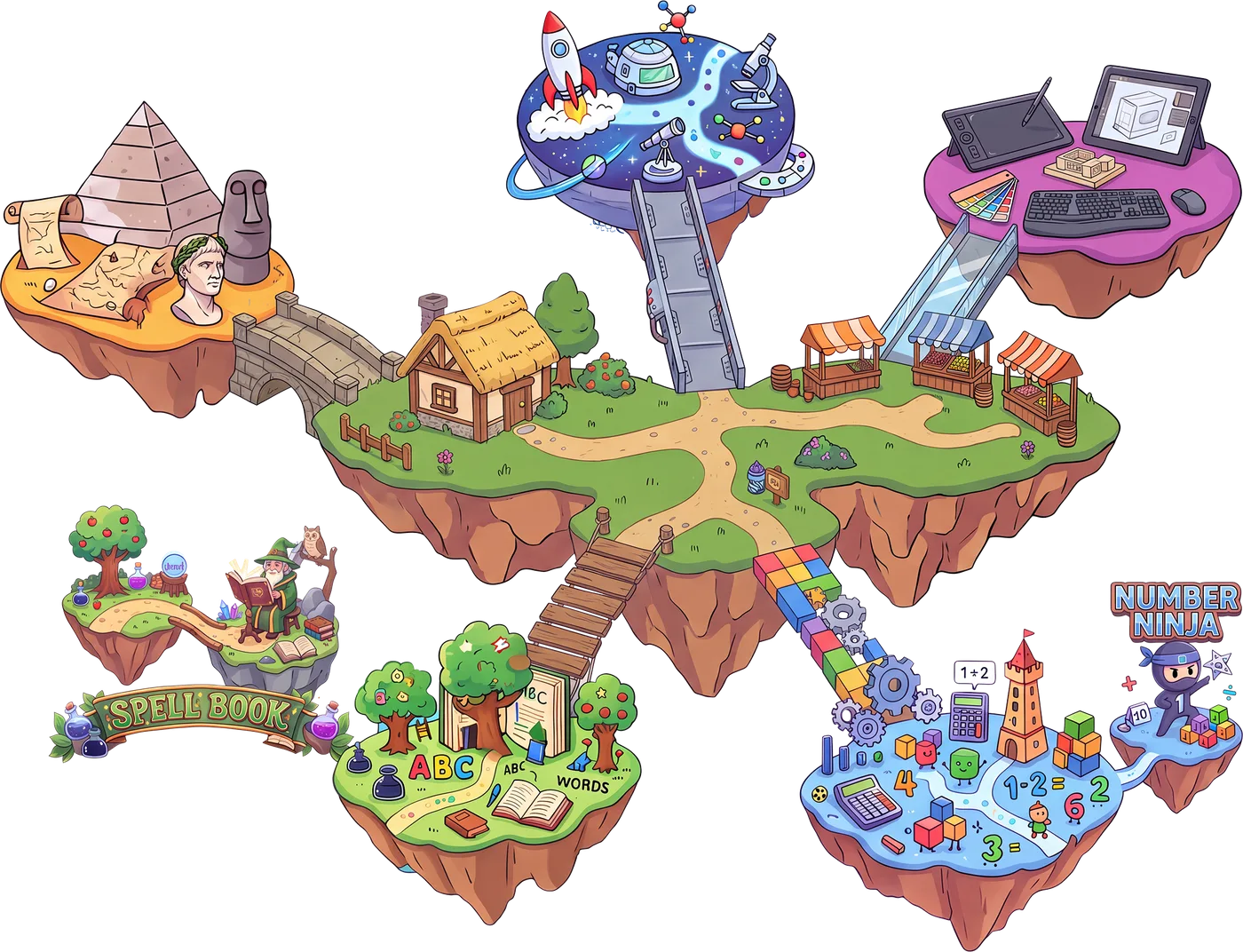
No more dull statistics on a never-ending list of learning areas, subjects, strands, and sub-strands. Spry Learning represents your class program and your students’ progress in a visual and modern way.
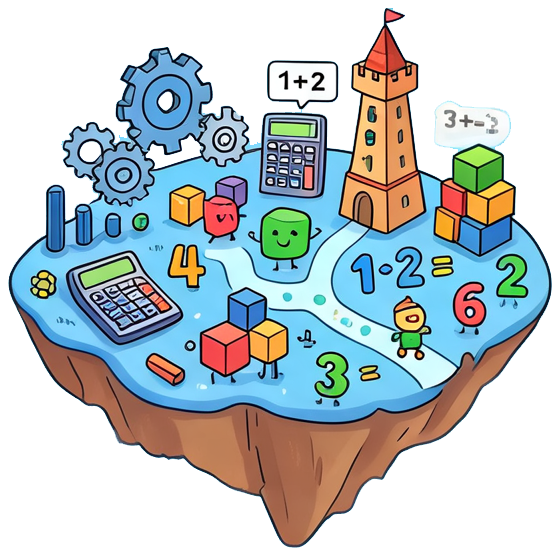
number · measurement · shapes · Number Ninja
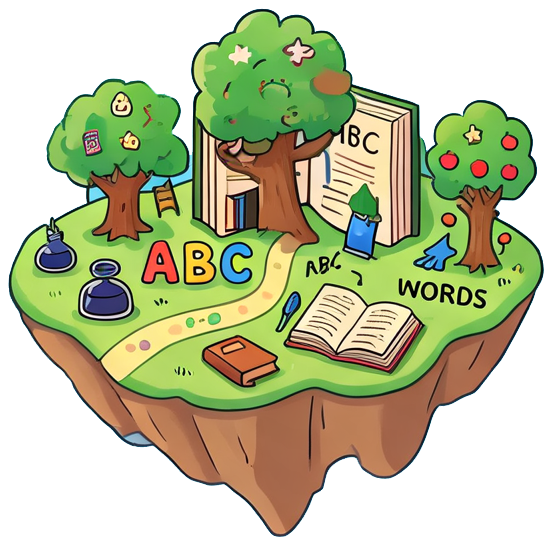
reading · grammar · spelling · Spell Book

living things · forces · earth & space
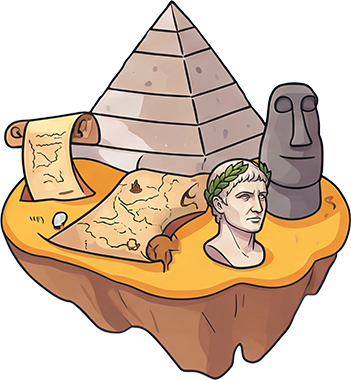
history · geography · civics
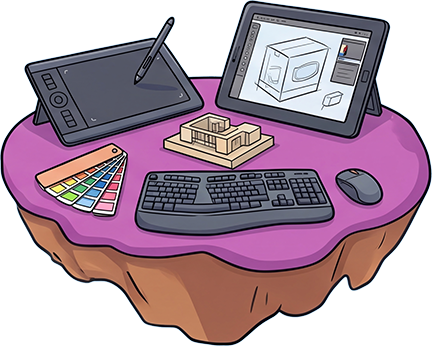
design · digital systems · data
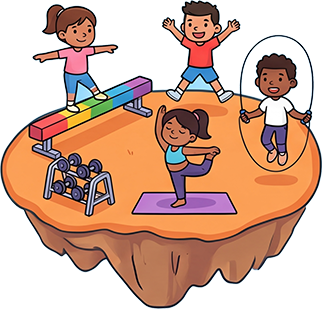
health · movement · wellbeing
Over 450 topics. Over 2,000 unique quiz questions. 100% Australian made.
School mode
No procurement, no cost, no centralised administration. Set up and play in 5 minutes.
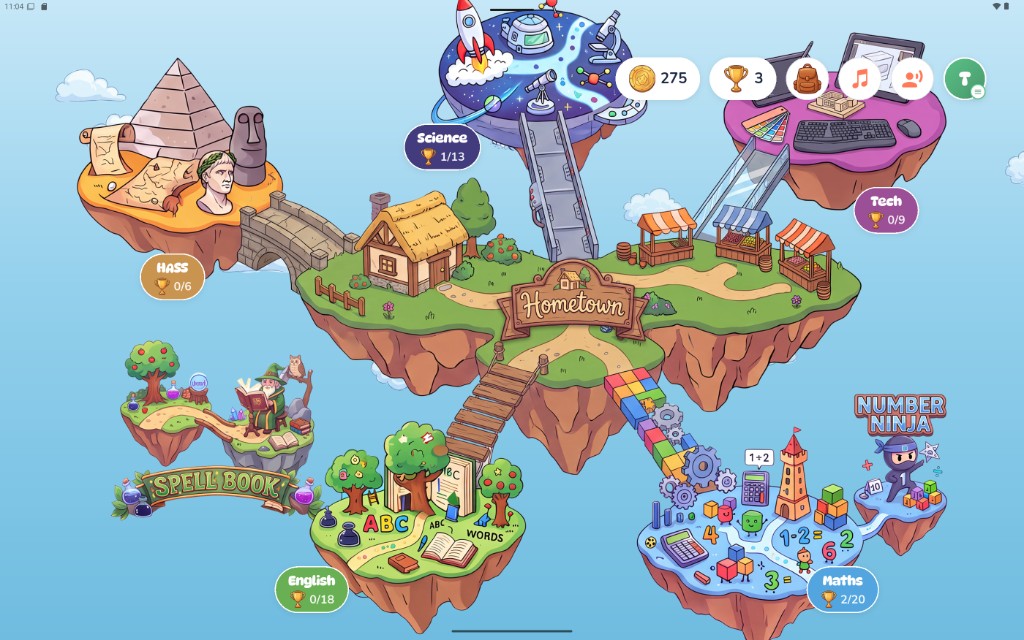
Students tap on any of the 5 learning areas.
Health & PE coming soon.
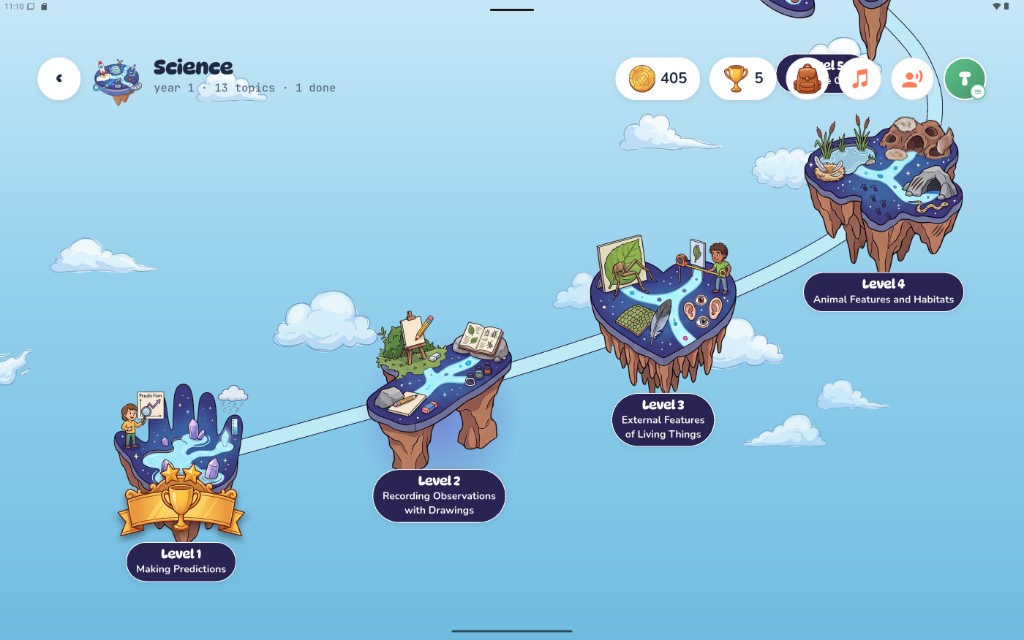
Topics sit in order along a path — here, Year 1 Science with 13 topics and clear progress.
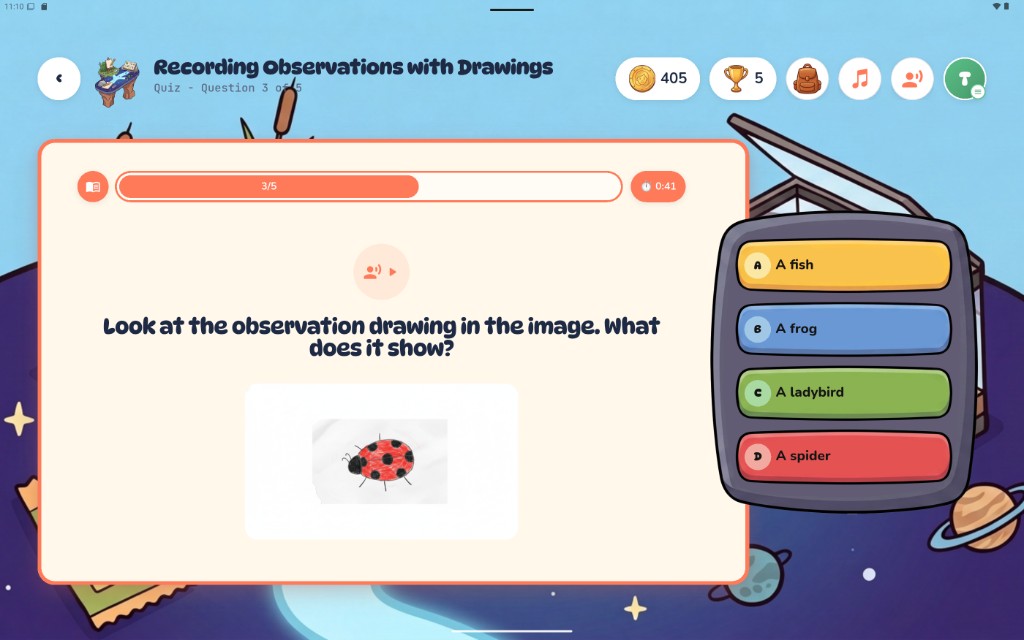
Five questions per quiz. Many include images and diagrams. Instant feedback is provided. Aussie-accented voiceovers for all Year 1 and 2 content.
Students tap on any of the 5 learning areas.
Health & PE coming soon.
Topics sit in order along a path — here, Year 1 Science with 13 topics and clear progress.
Five questions per quiz. Many include images and diagrams. Instant feedback is provided. Aussie-accented voiceovers for all Year 1 and 2 content.
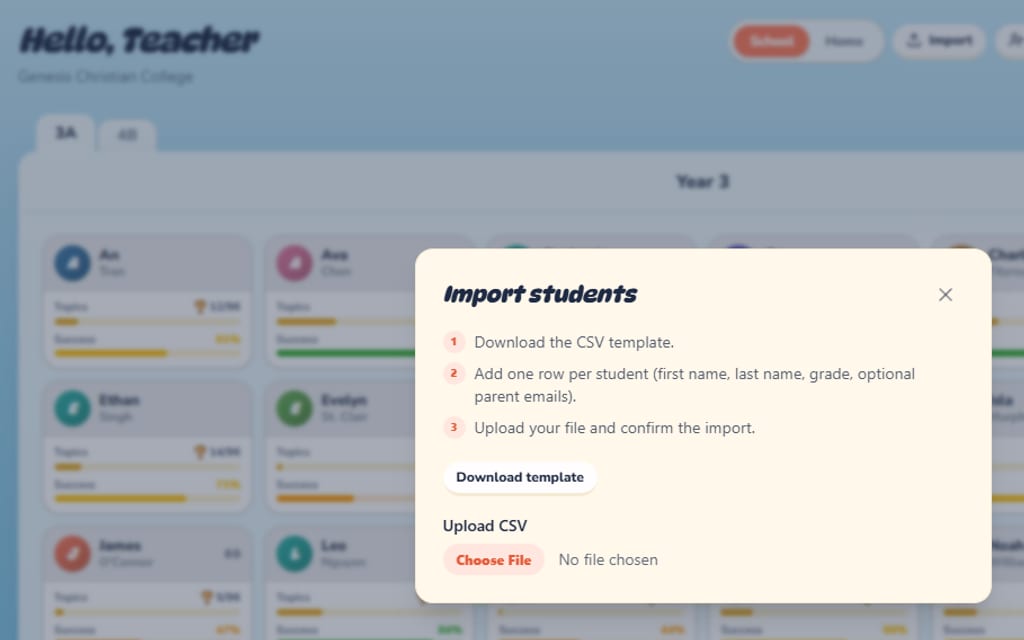
Type names or drop in a CSV — up to 35 students per class. Teachers at your school can join the same classes with a school email.
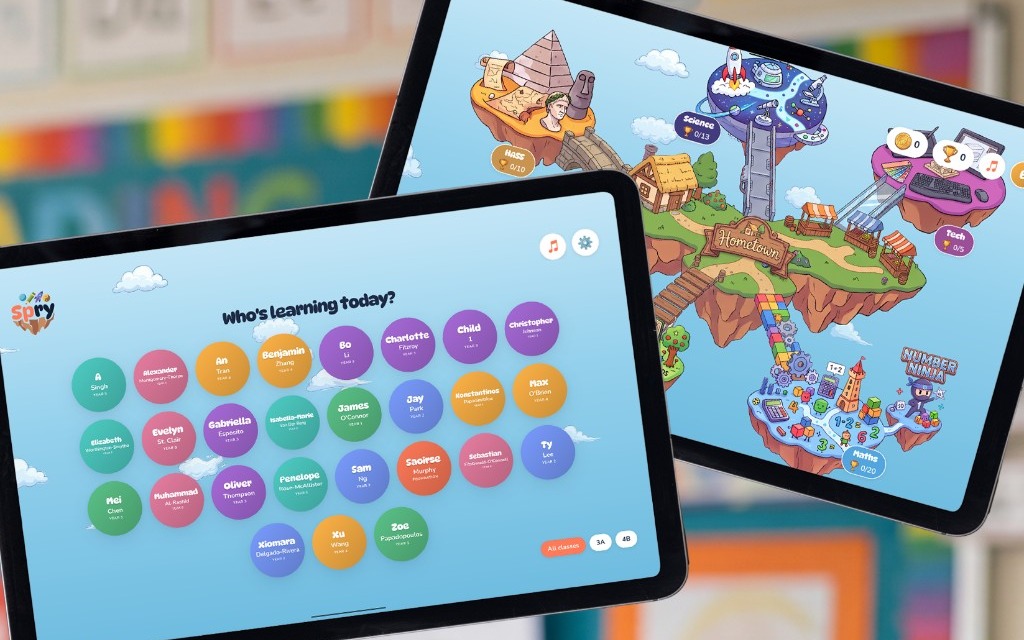
Sign in on classroom tablets in School mode. Students get this year's maps, topics, and quizzes.
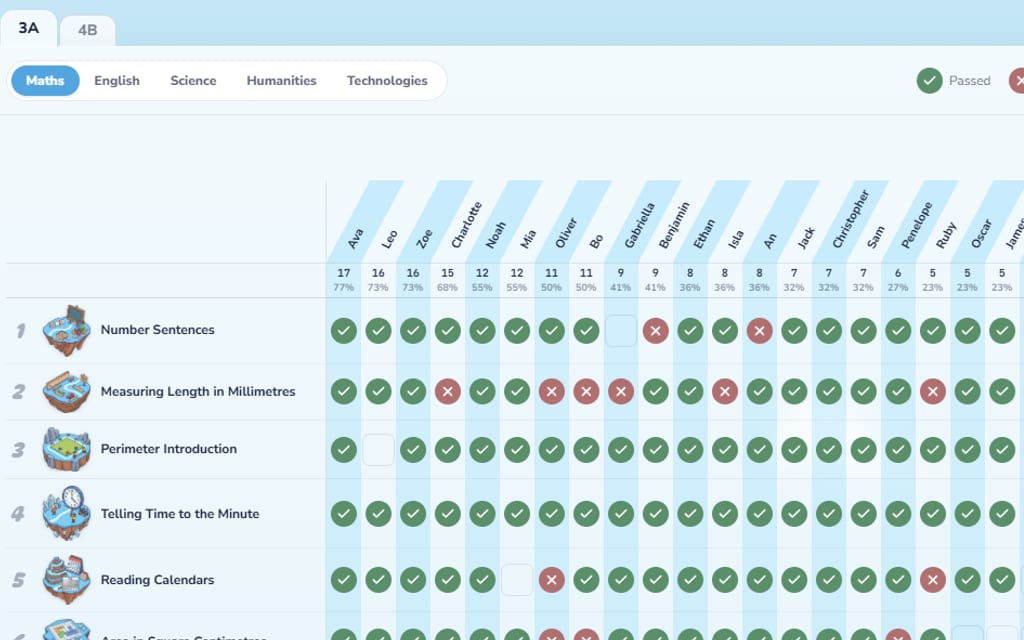
See who is stuck on which topic and how far the class has moved through the year. Print take-home code slips so families link themselves and get the parent view for free.
Type names or drop in a CSV — up to 35 students per class. Teachers at your school can join the same classes with a school email.
Sign in on classroom tablets in School mode. Students get this year's maps, topics, and quizzes.
See who is stuck on which topic and how far the class has moved through the year. Print take-home code slips so families link themselves and get the parent view for free.
Home mode · the fun part
Hometown is the heart of Home mode: walk the kingdom, take quests, and bring quiz gems back to your cottage. It’s not just another educational game, it’s a whole new world to explore!
School mode
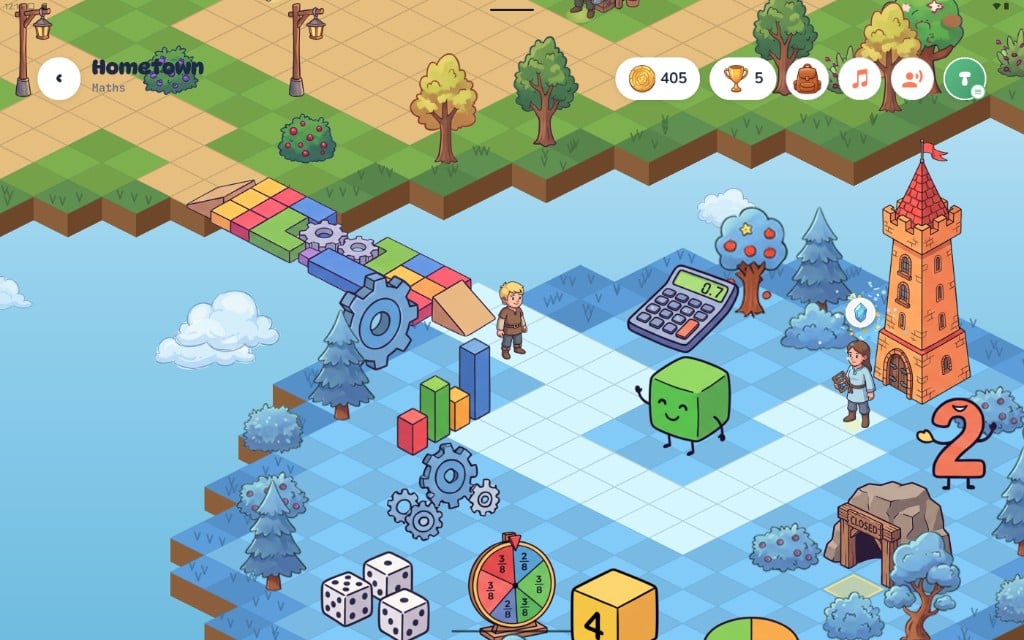
Home mode
Meet guides like Jamaine, take on story goals, and collect gems and coins from real curriculum wins — the village reacts when your child shows up to play.
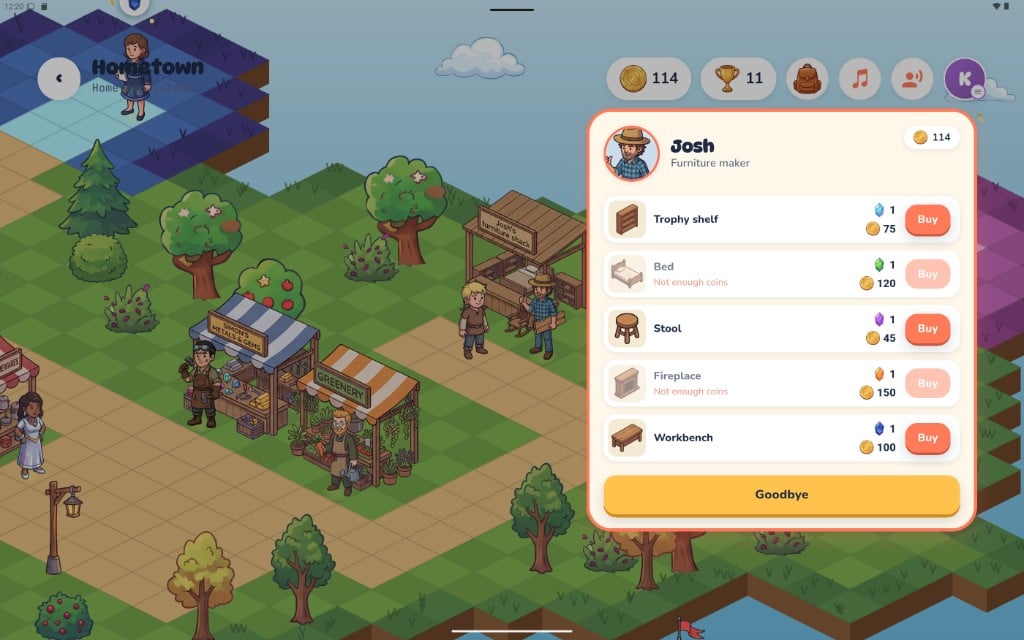
Unlock your cottage, customise your avatar, and kit out each room with coins from real quizzes — progress feels like building a world, not ticking boxes.
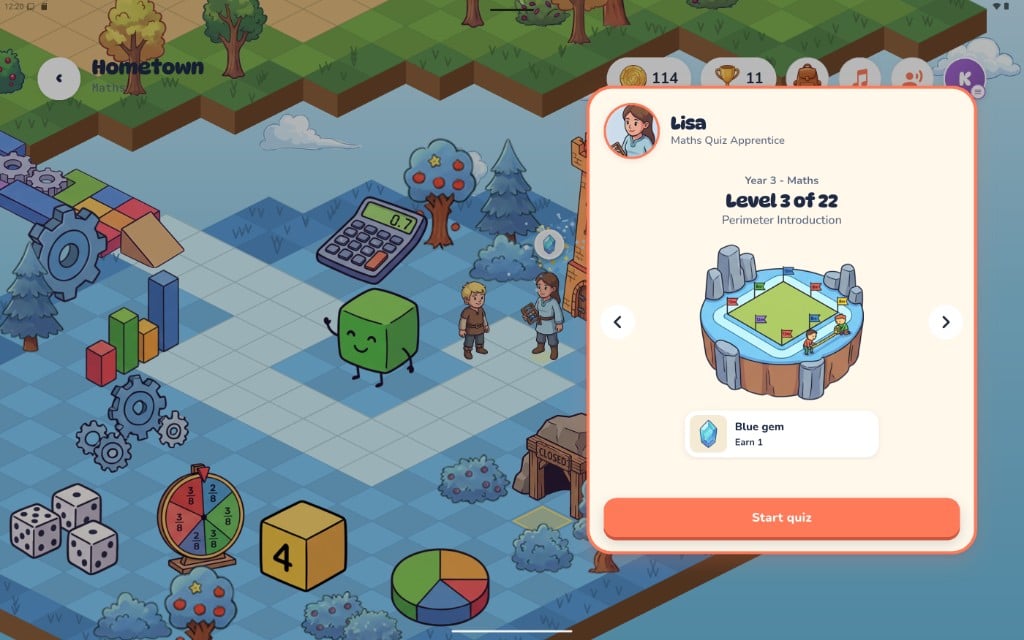
Topic levels still match the year’s map — preview the lesson, start the quiz, and bring blue and green gems back to Hometown. Mastery moves the story forward.
Extra fun
Number Ninja and Spell Book — each level and chapter tied to a real topic a child has reached.
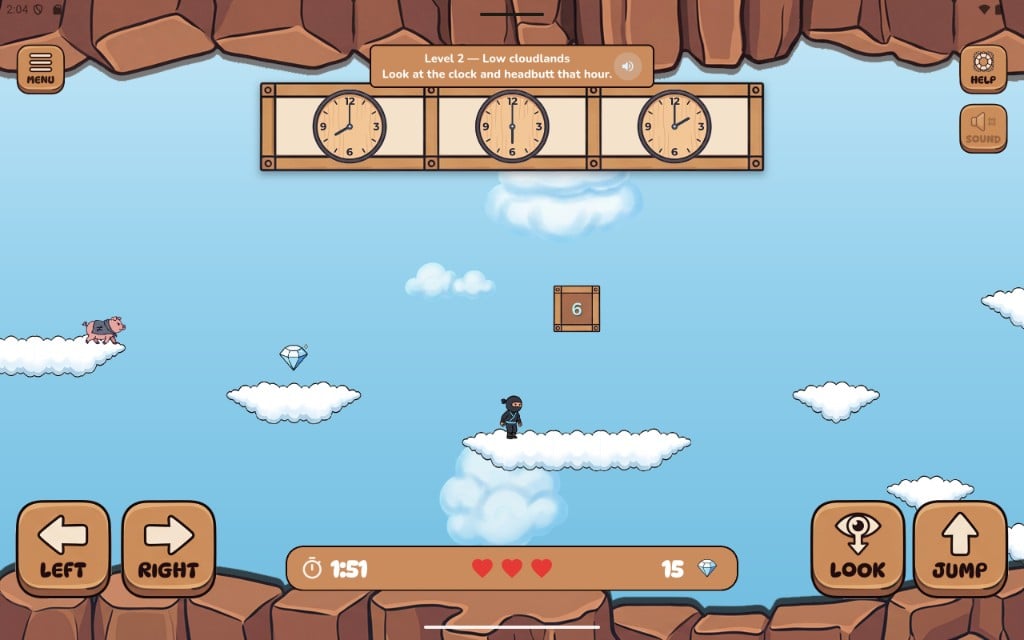
A maths platformer, one level per topic
Run, jump and headbutt the right answer. Every level is a real Year 1–6 maths topic — counting, time, money, fractions, graphs — with a voice guide before you start.
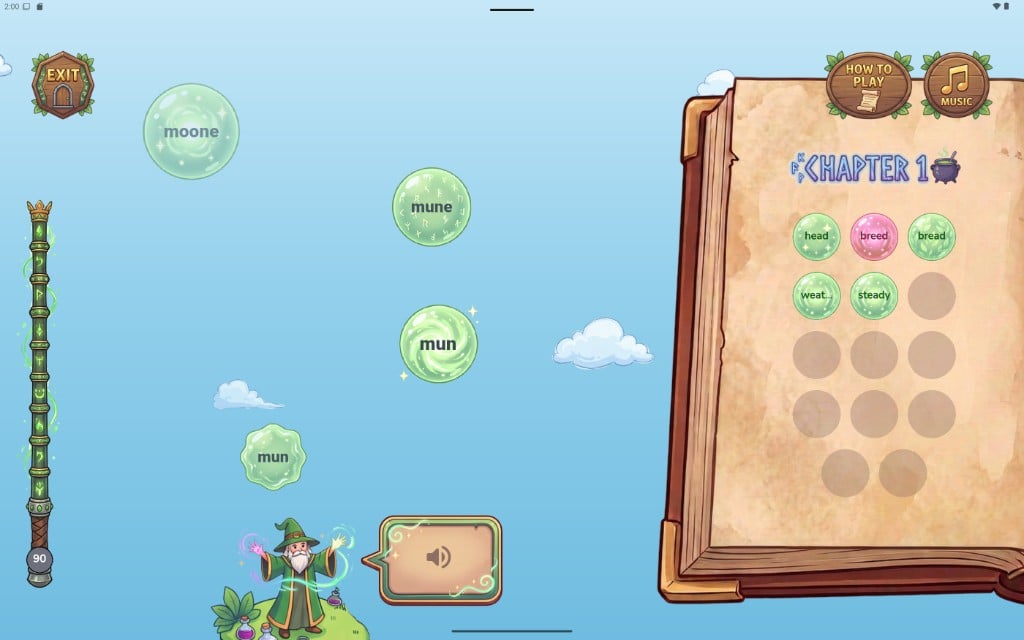
Catch the words, dodge the fairies
Tap zooming words to fill the spell book while evil fairies try to stop you. Spell Book is just like learning sight words or tricky words at the dinner table, but a bit more fun!
Connected learning
One profile follows each child from the classroom to the kitchen table. Teachers, parents and the Sky Kingdom all read from the same record — so nobody is guessing what happened at school, and nobody has to start again at home.
One kingdom, four doors in
The same maps and quizzes, whoever sets them up. Pick your role to see what you get.
Hand over the tablet and know it's the right stuff: this year's topics, in order, read aloud, with games that only unlock through real practice. Check how it went from your phone.
7-day free trial on yearly ($90/yr after trial) · $9/month · up to 6 kids.
Pricing
Try full Home mode free for 7 days on the yearly Family plan. $9/month or $90/year for up to six kids. Teachers and schools are free.
$9/ per month
one price for up to 6 kids
Billed through the App Store or Google Play. Cancel anytime. Prices in AUD incl. GST.
Free
for every teacher · no card, no quote
Teacher set up takes 5 minutes. No commitment, no cost, no risk. Does not require central administration.